


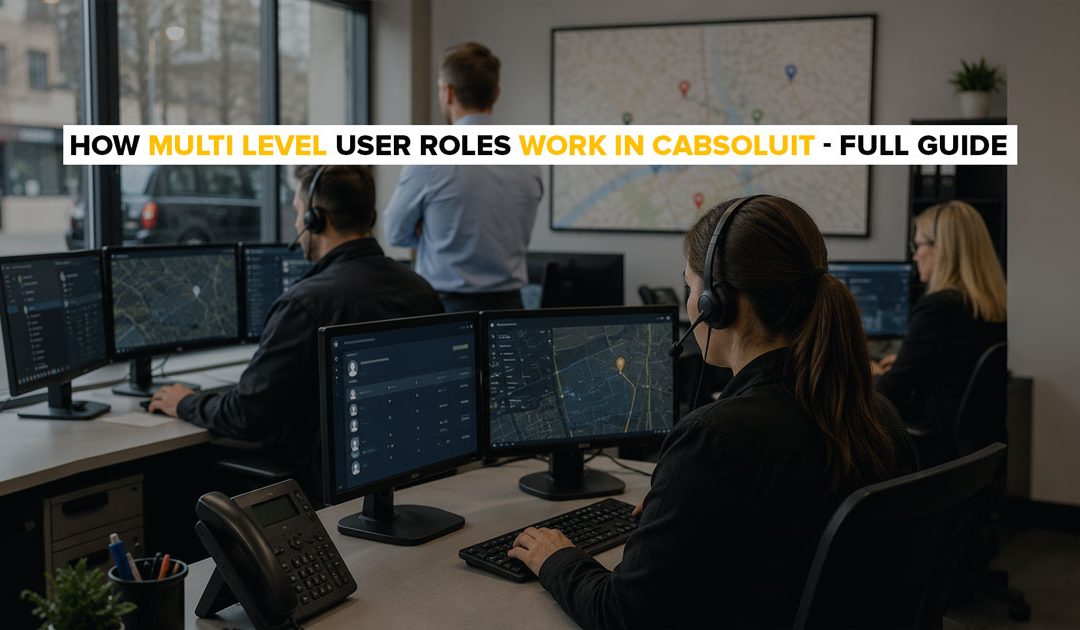
When you run a 3-vehicle taxi business, one person does everything. They take bookings, dispatch drivers and handle admin.
When you grow to 10 or 20 vehicles, that changes. You hire dispatchers. You bring in an admin manager. Drivers need access to job information but not billing records. Dispatchers need to assign jobs but not change system settings.
Without access control, everyone sees everything. That creates errors, security risks and confusion. Cabsoluit’s multi-level user roles fix this by giving each staff member exactly the access they need and nothing more.
What Multi Level User Roles Mean in Cabsoluit
Multi level user roles let the fleet owner control what each person in the business can see and do inside the Cabsoluit admin portal.
Instead of every staff member logging into the same view, each user gets an account with access limited to their specific function. A dispatcher sees the dispatch dashboard. A driver manager sees driver records and compliance documents. The fleet owner sees everything.
This is not about restricting people. It is about keeping the system clean, secure and organized as the operation grows.
The Different Access Levels in Cabsoluit
Cabsoluit’s admin portal supports multiple access levels each designed for a different function within a UK private hire operation.
1. Fleet owner / Administrator
Full access to every section of the admin portal bookings, GIS, reports, driver and owner records, vehicles, zones, fare settings, corporate business accounts, booking terminals, templates, settlement and invoicing, and tech support. This is the only role with permission to add new users, change system settings and access financial records.
2. Dispatcher
Access to the booking dashboard, live GIS map and driver status view. A dispatcher can create bookings, assign drivers, and monitor active jobs. They cannot access driver compliance documents, financial settlement records or system configuration.
3. Driver manager
Access to the Driver & Owner section driver profiles, document storage, DBS certificates, vehicle assignments and compliance records. This role is specifically useful for UK school run operators who need one person managing driver compliance across multiple council contracts without giving them access to booking or financial data.
4. Report manager
Access to the Reports module only. Useful for operators who want a business administrator or accountant to pull performance data and book reports without accessing live dispatch operations.
Why Access Controls Matter for UK Taxi Operators
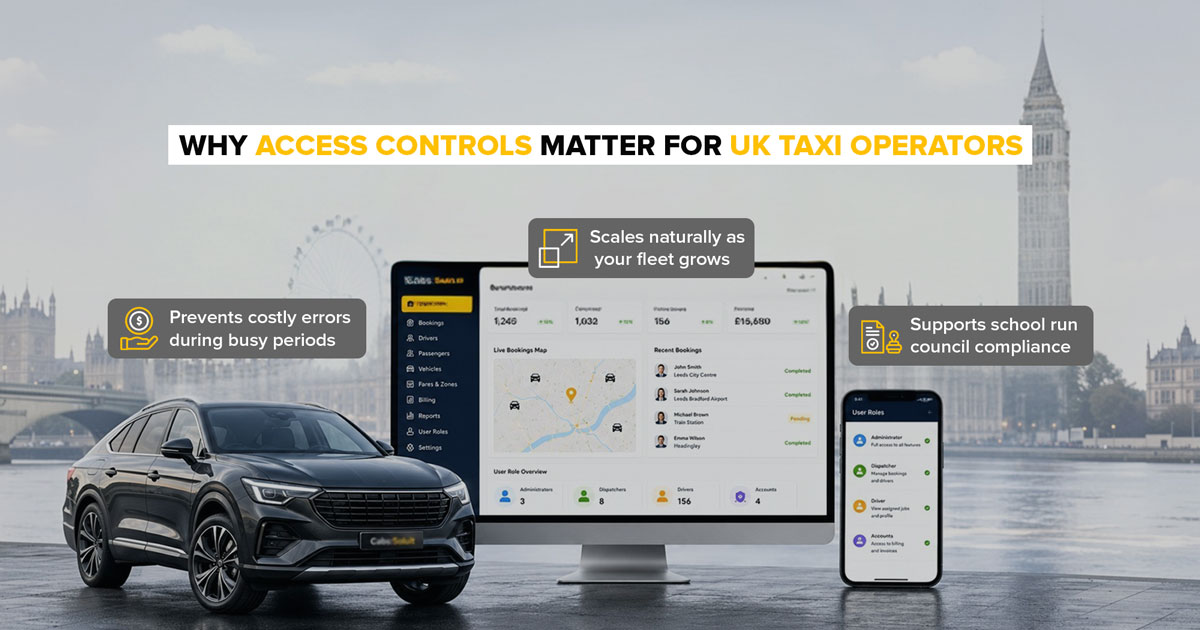
Prevents costly errors during busy periods
A dispatcher with access to fare settings or zone prices can accidentally change a rate mid shift. A driver with access to billing records can see information they should not. Restricting access by role removes these risks entirely.
Protects sensitive data
UK private hire operators handle passenger personal data names, phone numbers, pickup addresses. Under UK GDPR, operators must ensure that personal data is only accessible to staff who need it for their specific role. Multi-level access controls are a direct compliance tool for this requirement.
Scales naturally as your fleet grows
When a 5-vehicle operator grows 20 vehicles and hires their first dispatcher, the user roles system is already in place. Add a new user, assign the correct role and that person can log in with the right access immediately. No system reconfiguration is needed.
Supports school run council compliance
UK councils reviewing DPS contracts expect operators to demonstrate controlled access to driver compliance records. Being able to show that DBS certificates and safeguarding documents are accessible only to authorized staff not every dispatcher on the team is a professional compliance signal that councils notice.
How to Set Up a New User Role in Cabsoluit
Setting up a new user with a specific role takes under five minutes.
Navigate to Admin Portal → Settings → Users → Add New User. Enter the staff member’s name and email address. Select the role from the dropdown Administrator, Dispatcher, Driver, Manager, or Report Manager. Save.
The new user receives a login email. When they log in, they see only the sections their role gives them access to. The fleet owner’s view remains unchanged.
Conclusion
Multi level user roles are not a feature most operators think about when they start. They become essential the moment a second person joins the team.
Cabsoluit’s role based access keeps your operation secure, your data clean and your team focused without adding admin overhead as you grow.
Try Cabsoluit free for 14 days, no setup fees, no long-term contracts. Start your free trial here.