


If you’re comparing Autocab and Cabsoluit, you need to know what each platform will cost and how it will fit your daily work.
Autocab deserves your attention if phone automation and partner bookings through iGo are important to your business. Cabsoluit is worth considering if you want pay-as-you-go plans, WhatsApp booking and tools for school runs and corporate accounts.
Let’s look at what those differences mean for your fleet.
Autocab vs Cabsoluit at a Glance
|
What matters to you |
Autocab |
Cabsoluit |
|
Starting price |
Request a sales quote |
Starting plans from £30/month |
|
Contract length |
Confirm in your proposal |
PAYG without long-term contracts |
|
Booking automation |
Phantom voice booking and IVR |
WhatsApp chatbot and website booking |
|
Regular account work |
Repeat bookings and corporate travel controls |
Recurring templates, excluded dates and client rates |
|
Partner bookings |
Access through the iGo network |
Confirm the specific connections you need |
These are selected differences. Your quote should state which products and services are included.
Costs: What Will You Actually Pay?
Cabsoluit gives you a starting point. Starter begins at £30 a month for one car. Growth is £100 for up to 10 cars, while Pro is £350 for up to 50. Fleets of 100+ cars can request a custom quote.
PAYG lists no upfront charge. The branded Complete Solution includes passenger and driver apps and carries an upfront charge. Visit Cabsoluit pricing page for the package details.
Autocab’s reviewed product pages do not list a standard monthly fee. You’ll need a quote based on your fleet and chosen products.
For a 10-car fleet, Cabsoluit’s listed Growth subscription comes to £1,200 a year. Use that as a subscription figure, then check VAT, setup, payment fees, messaging and any extras.
A fair price comparison needs the same fleet size, booking volume and included tools.
Contracts: How Much Flexibility Do You Need?
Cabsoluit provides pay as you go pricing without long-term contracts and a 14-day trial. That gives you a chance to test the platform before choosing a paid package. Confirm that your trial covers the features you need.
For Autocab, the minimum term, renewal rules and notice period need checking in your written proposal. Its reviewed product pages do not establish a standard contract length.
With either provider, check what happens when you add vehicles, reduce your fleet or move your data.
If your vehicle count changes with school contracts, those terms could affect your budget throughout the year.
How Will Each Platform Fit Your Daily Work?
1. When Your Office Is Busy with Calls
Autocab’s Phantom handles voice bookings, automated phone menus called IVR, and booking-status enquiries. It can recognise returning callers and provide arrival estimates without an operator answering. That is worth evaluating if calls take up much of your team’s day.
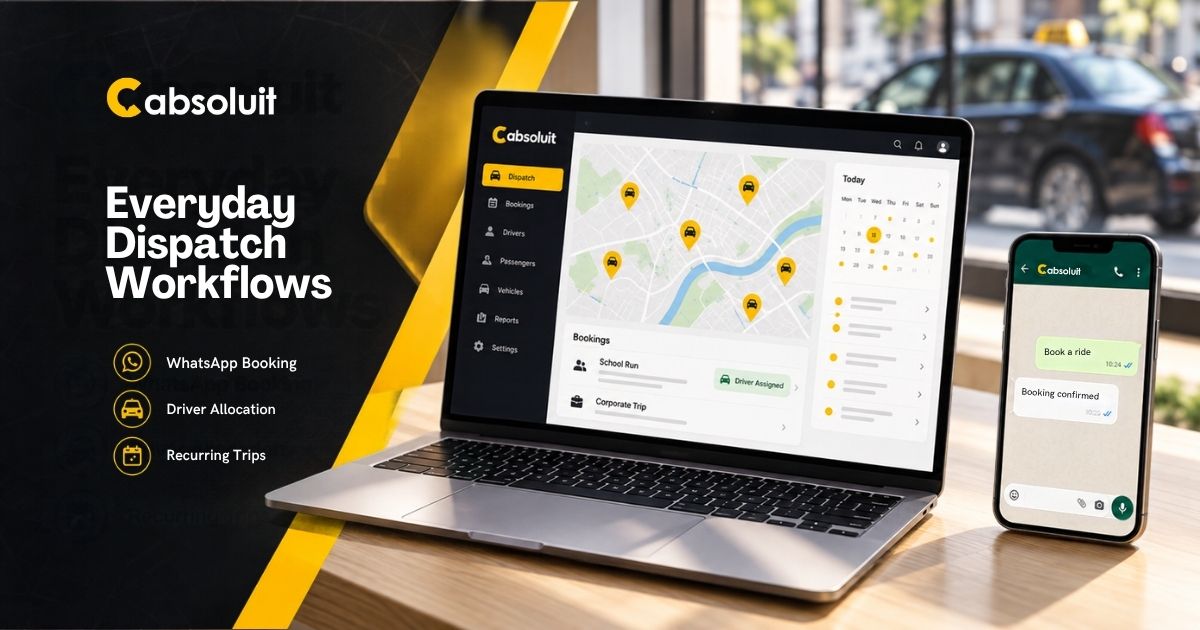
Cabsoluit’s WhatsApp chatbot lets customers book, check fares, receive trip updates and repeat earlier journeys. It supports multiple languages and passes queries needing human help to the admin portal.
Your booking mix matters here. Look at how many enquiries arrive by phone and how many customers already message you.
2. When Drivers Need Clear Jobs and Earnings
Autocab supports nearest-car and longest-waiting-driver rules. Driver Companion adds destination mode and bidding for selected future jobs.
Cabsoluit describes nearest-available-driver allocation, preassigned journeys, availability controls, an earnings wallet and cash limits.
During your demo, have a driver reject a booking. Watch how the office spots it, reassigns the job and updates the passenger. This shows you how the process works when a plan changes.
3. When School Runs and Corporate Accounts Fill Your Diary
Autocab supports repeat bookings. Its Accounts Portal gives corporate customers travel rules, spending controls, journey visibility and monthly invoices.
Cabsoluit’s school-run tools include recurring templates, excluded dates and driver payment records. Its corporate module adds agreed rates for each client and automatic invoicing for completed journeys.
For your operation, check two things closely: whether holidays are handled correctly and whether each account receives the agreed fare on its invoice.
4. When You Manage Airport Transfers
Autocab’s E-booker includes bookings for colleagues, return trips and flight tracking.
Cabsoluit’s website plugin supports immediate and advance bookings, fare estimates, vehicle selection and booking without logging in.
If live flight updates are essential, get confirmation of that feature in your proposed Cabsoluit setup.
5. When You Rely on Partner Work
Autocab’s iGo brings bookings from selected demand partners directly into the platform. You choose which partners to work with.
If those jobs are part of your income, confirm the exact partner connections available before moving to Cabsoluit. Access to your existing work should be part of the switching decision.
Which Platform Makes Sense for Your Fleet?
Based on these features, put Autocab on your shortlist if Phantom call automation or iGo work is central to your operation.
Put Cabsoluit on your shortlist if its published PAYG plans, WhatsApp booking and recurring account tools match your needs.
Bring your own booking examples to a Cabsoluit demo. You’ll be able to discuss the setup, workflow and price your fleet actually needs.
FAQs
You need matching quotes to know. Cabsoluit publishes entry prices; Autocab’s reviewed pages direct you to sales. Compare the same fleet size and included services.
Yes, Cabsolut provides branded passenger app in the pay as you go pricing model.
Yes. Autocab lists repeat bookings. Cabsoluit includes recurring templates and excluded dates.
Access should not be assumed. Confirm each required partner's integration and its terms before switching.
Cabsoluit gives you a 14-day trial. Confirm the included modules and test your daily workflows before choosing a paid plan.
Interested in learning more? Get in touch!
Please fill out the form below and we will get back to you shortly.