


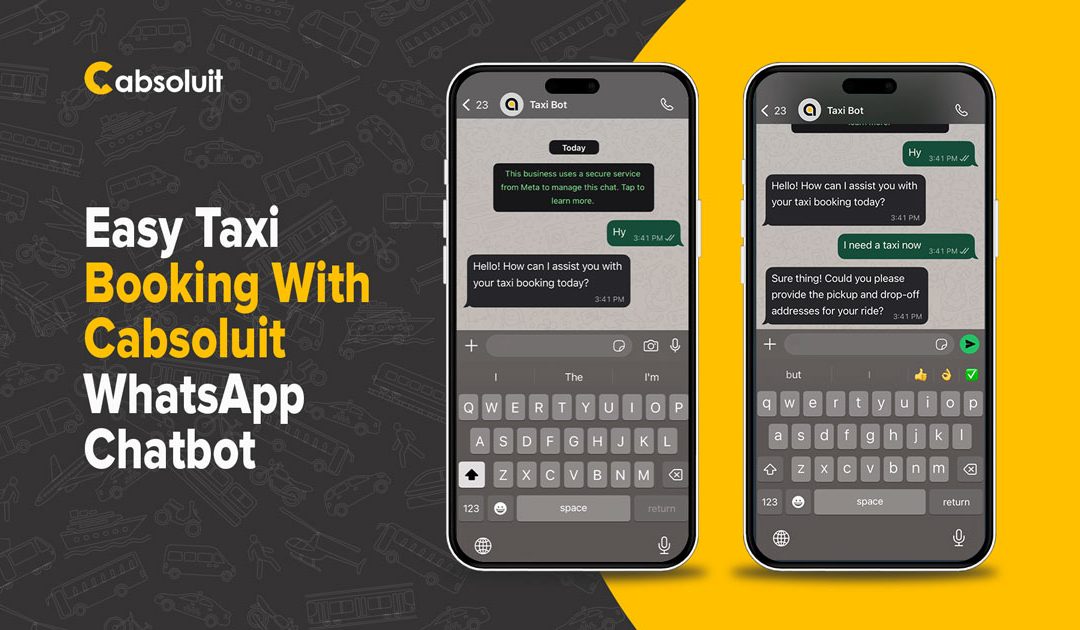
There is no need to make the process of booking a taxi difficult. Using the WhatsApp Taxi Chatbot by Cabsoluit, you do not need any apps, no phone calls, and can tap in a few times to book a ride.
You can use the chatbot to organize a trip you are about to go on or to organize a trip in the near future, within 2 hours, and do everything right on WhatsApp. Here, we are going to demonstrate to you the step-by-step process, in this guide.
Book a Cab in Minutes: A Simple Guide to WhatsApp Taxi Chatbot
Booking a taxi with Cabsoluit is now as easy as sending a message on WhatsApp. You don’t need to download an app or make a phone call. Just follow these simple steps:
1. Start the Chat
Open WhatsApp and send a message to Cabsoluit’s WhatsApp number.
You can say something like:
- Hi.
- Book a ride.
- I need a taxi.
The chatbot will reply right away and guide you through the process.
Related Article: Cabsoluit Driver App: Simplify Your Taxi Operations
Related Article: Taxi Dispatch Software Features – The Ultimate Breakdown
2. Choose When You Want the Ride
Next, the bot will ask if you want to: You can say something like:
- Book a ride right now
- Or schedule a ride for later
Just type your choice. If you want to plan ahead, make sure your pickup time is not too far in the future. Some services only allow bookings within 2 hours, so keep that in mind.
Related Article: How GIS Tracking Powers Modern Taxi Dispatch Software in UK
Related Article: Multi-Channel Booking: The Smart Way to Scale Taxi Operations
3. Share Ride Details
The chatbot will now ask for:
- Pickup Address
- Drop-off Address
- Pickup Time
You can type these one by one in simple text.
For example:
- Pickup Location: Leeds University
- Drop-off Location: 1 Lands Ln, Leeds.
- Time: 01:30 PM on November 24, 2025.
Tip: Don’t add links to your address. Keep between 5 to 100 characters to avoid errors.
4. Handling Common Errors
If something is wrong, the chatbot will help you fix it.
It will notify you if:
- The pickup time is in the past
- The pickup time is too far ahead
- The address format isn’t valid
Just follow the instructions and correct the info.
5. Get Your Ride Summary
Once your details are correct, the chatbot sends you a ride summary including: It will notify you if:
- Pickup and drop-off addresses
- Date and time
- Fare estimate
- Distance and trip duration
Now you’re ready to confirm the ride!
Related Article: Transforming Taxi Business with Cabsoluit’s Recurring Booking Feature!
Related Article: Master Control with Multi-Level Roles & Rights in our Admin Panel Feature
6. Confirm the Booking
After getting the fare estimate, type “Confirm” in the chat.
Then, share your name and phone number.
These are required to complete the booking.
Once you’re done, your ride will be booked, and you’ll get the driver and trip details right in the chart.
7. Get a Fare Estimate Before Booking
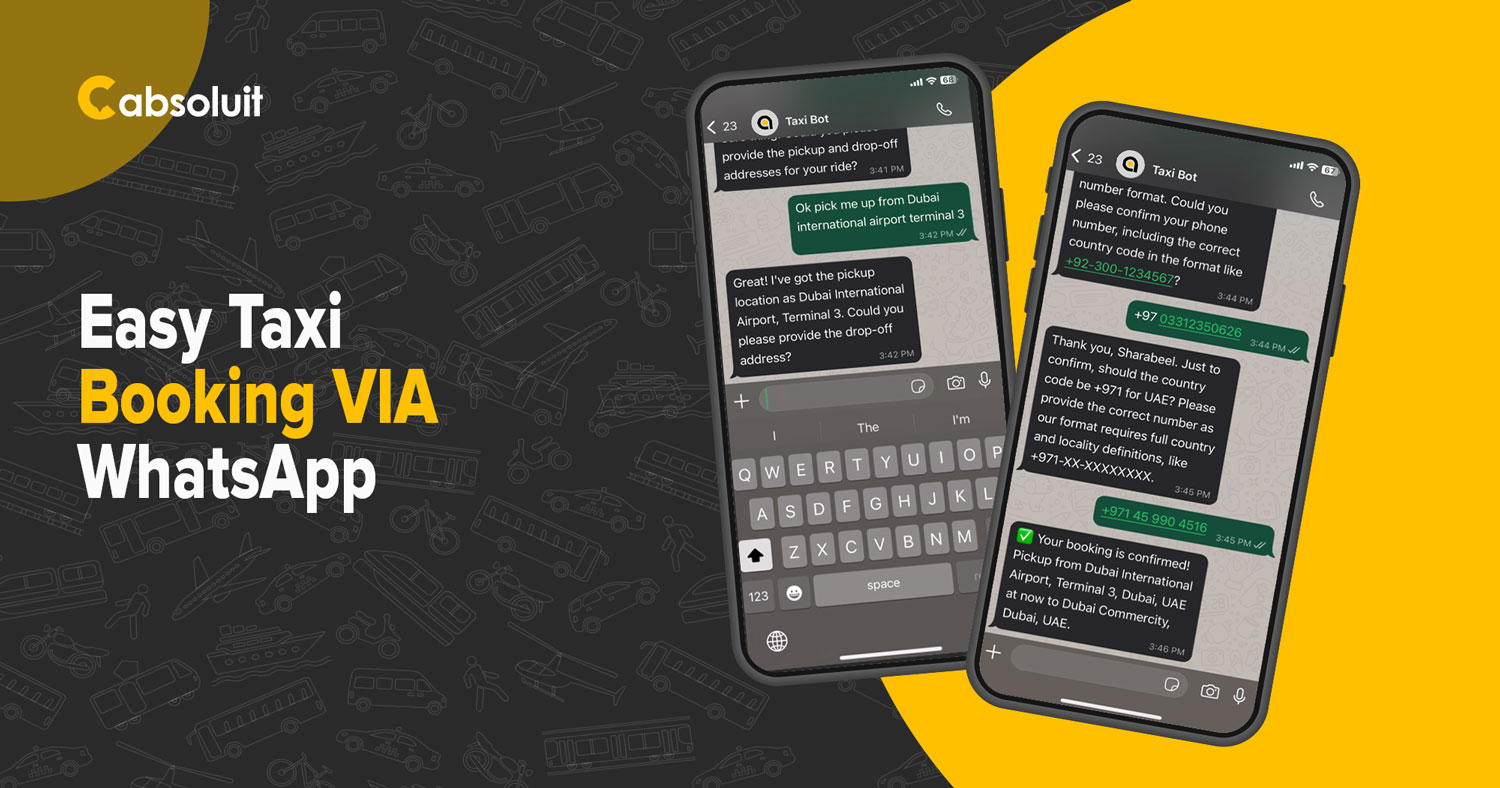
- Your pickup address
- Your drop-off address
- The date and time of your ride
The bot will instantly reply with the estimated fare, distance, and travel time, so you can decide before confirming.
8. Update Your Booking Anytime
You can ask the chatbot to update your booking at any time.
Just send:
- Your booking ID
- Your new pickup and drop-off address
The bot will update the details and confirm the changes in the chat.
9. Get Help Easily
- If you have questions or get stuck at any step, just type in the chat.
- The chatbot can answer common things like fare details, driver location, or how to cancel a ride.
- If it can’t help, it will automatically connect you to a real support agent for more help.
10. What You Can Do with Cabsoluit’s WhatsApp Taxi Chatbot
With just a few messages, you can:
- Book a ride now or schedule one for later.
- Get a fare estimate instantly.
- View your booking summary.
- Confirm your booking and share your contact details.
- Update your pickup or drop-off info.
- Cancel the ride if your plans change.
- Chat with a real support agent if the bot can’t help.
11. Why It’s So Easy for Passengers
Using Cabsoluit’s WhatsApp Taxi Chatbot is simple for everyone:
- It works right inside WhatsApp
- No need to download any extra apps
- Fast replies to every message
- It clearly shows what went wrong if there’s an error
- The booking steps are easy to follow, even for first-time users
Conclusion:
Whether you’re booking a quick city ride or planning a longer trip, you can do it all through WhatsApp with ease. No need to call or open any apps. Just start the chat, follow the steps, and let the bot handle the rest.
Your next ride is only a message away.